- Các bạn download Git tại đây chọn hệ điêu hành phù hợp với máy của bạn.

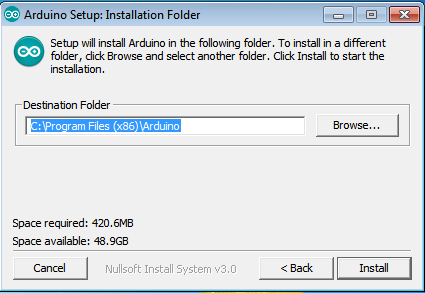
Bước 2 : Cài đặt Git
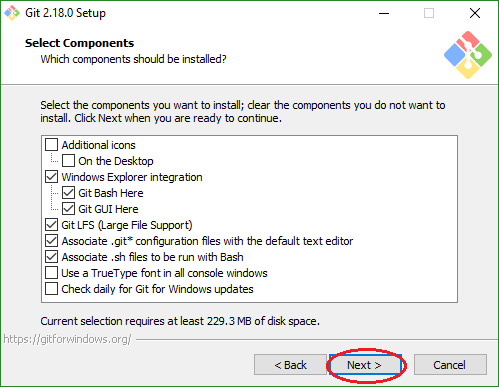
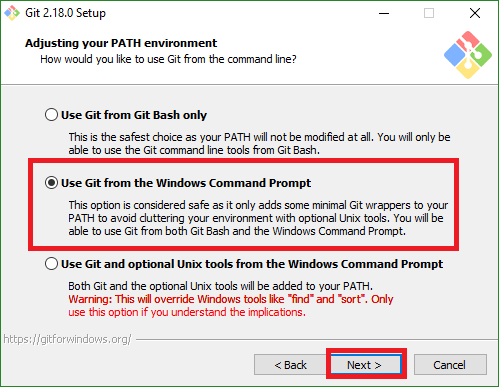
Chạy file exe vừa tải về và tiến hành cài đặt như sau :
It has become appallingly obvious that our technology has exceeded our humanity.
To turn really interesting ideas and fledgling technologies into a company that can continue to innovate for years, it requires a lot of disciplines.
Having children really changes your view on these things. We’re born, we live for a brief instant, and we die. It’s been happening for a long time. Technology is not changing it much — if at all.
Technological progress has merely provided us with more efficient means for going backwards.
If we go to work at 8 am and go home at 5 pm, this is not a high-tech company and Alibaba will never be successful. If we have that kind of 8-to-5 spirit, then we should just go and do something else.


| Hình ảnh Create a new Virtual Machine |
| Hình ảnh hợp thoại New Virtual Machine Wizard |
| Hình ảnh chọn I will install the operating system later |
| Hình ảnh chọn Version |
| Hình ảnh tên máy ảo |
| Hình ảnh chọn không gian đĩa |
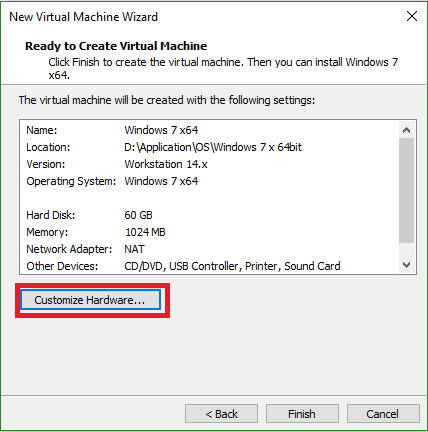
| Hình ảnh Customize Hardware 1 |
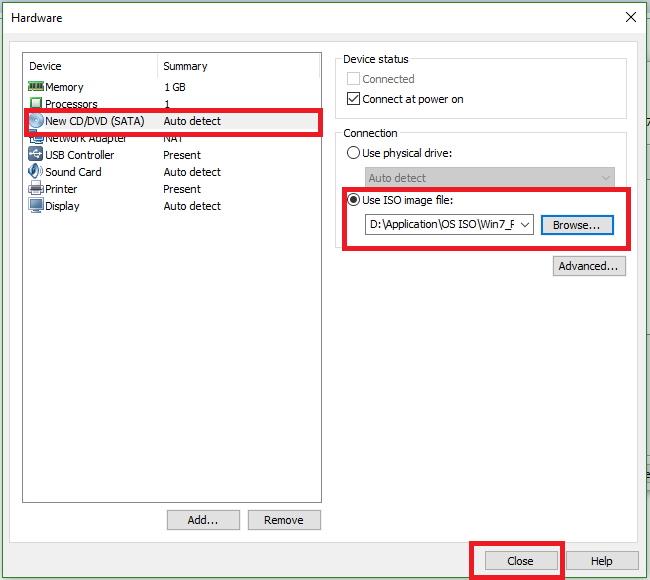
| Hình ảnh Customize Hardware 2 |
| Hình ảnh Customize Hardware 3 |
| Hình ảnh giao diện sau khi cấu hình Hardware xong |
| Giai diện khi vào cài đặt |
| Hình ảnh Install now |
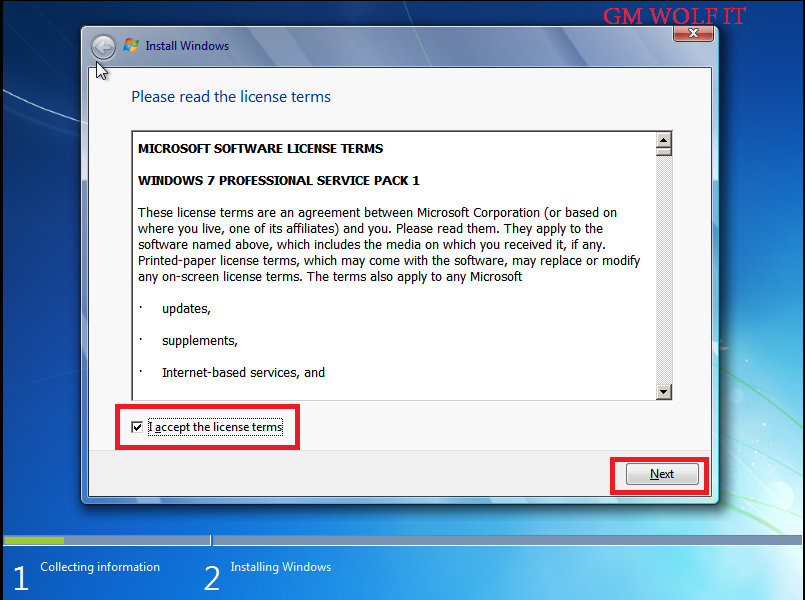
| Hình ảnh I accept the license tems |
| Hình ảnh cài đặt Windows 7 |
| Chọn phân vùng |
| Quá trình cài đặt đang làm việc |
| Đặt tên PC và user name |
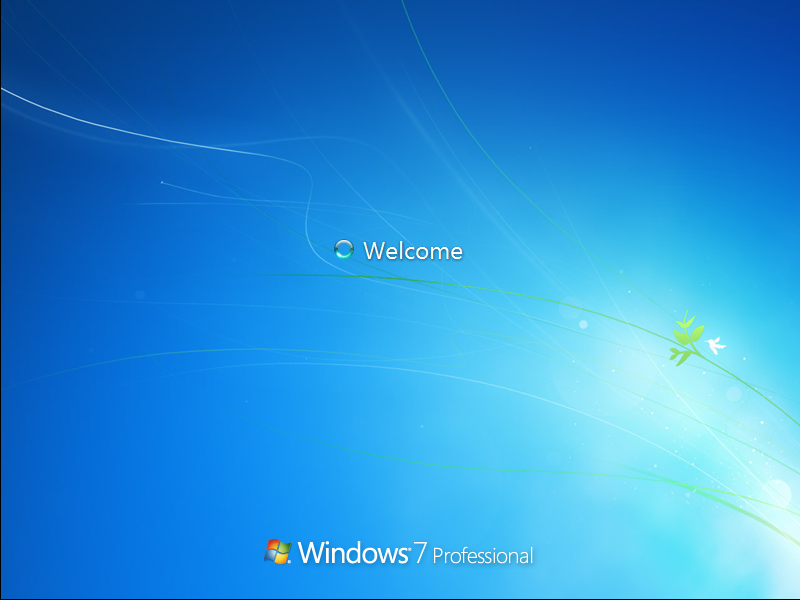
| Kích hoạt Windows 7 |
Những câu nói tiếng anh hay " Nerver stop learning because life never stop teaching " " What we learn with pleasure we...